
Homeowner Portal & Community Resources
The Premier Community Management homeowner portal and community resources page makes it easy to manage your HOA account, pay your bill online, and quickly find answers about your neighborhood from any device. Whether you need to log in to your account, request amenity access, submit a property improvement for review, or report a common area issue, this is your one-stop hub. Premier Community Management serves communities across San Antonio and the surrounding Texas area, helping HOAs stay organized, compliant, and homeowner-friendly for current and future homeowners.
Account Login
Your secure online Homeowner Portal is the fastest way to manage your HOA account.
Log in to:
- View your account balance and payment history
- Update your contact information and mailing preferences
- Access community documents, forms, and meeting minutes
- Submit questions or service requests
How to log in:
Click the Homeowner Portal Login button on this page, enter your email and password, and follow the prompts. If this is your first time logging in, use the registration instructions provided in your welcome letter or email.
Pay My Bill
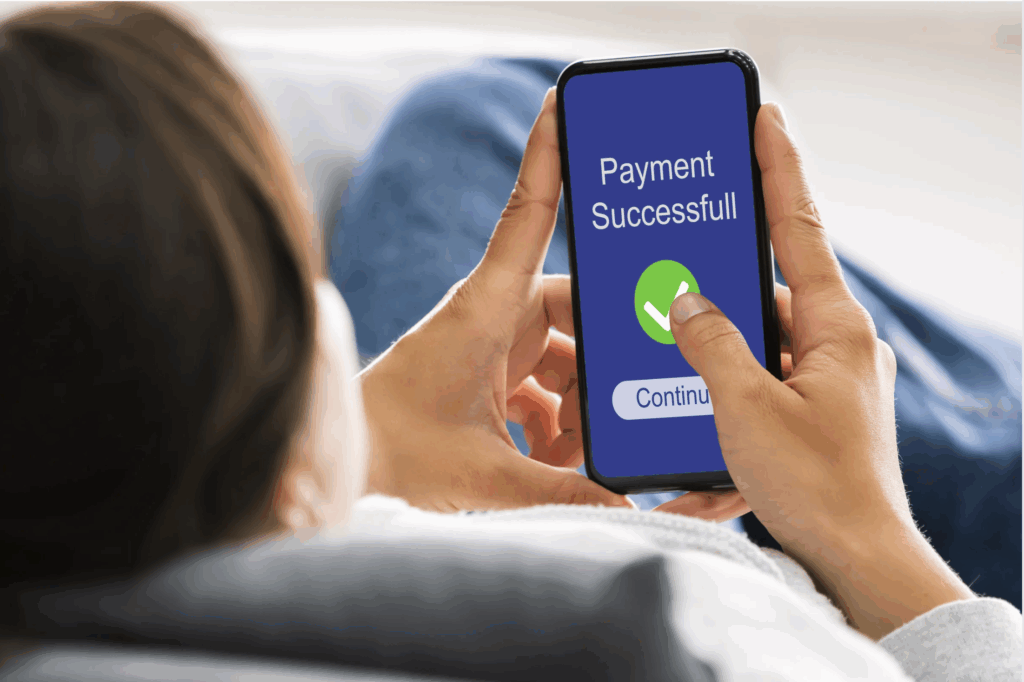
Paying your HOA assessments online is simple, secure, and available 24/7.
From the Pay My Bill section in your portal you can:
- Make a one-time payment
- Set up recurring payments or auto-draft (where available)
- Store and manage your preferred payment methods
- View recent charges, credits, and payment confirmations
Property Notices
Our role is to help protect property values and keep the community looking its best. Sometimes that means sending friendly reminders or formal compliance notices when something violates the community’s governing documents.
Use this section to:
- Understand why you received a notice and what it means
- Review the specific guideline or rule referenced
- Learn how to correct an issue and let us know when it’s resolved
- Ask questions or request more time if you need it
What to do: If you receive a property notice, it’s not personal—our goal is to support a well-maintained, consistent community for all homeowners. Please reach out if you’re unsure what to do next.
Report a Common Area Issue
If you see something in a common area that needs attention, we want to know about it.
Please report:
- Broken sprinklers or landscape concerns
- Damaged signs, fencing, or gates
- Issues at pools, playgrounds, or recreation areas
- Safety concerns in any shared space
When you submit a report, include:
- The exact location (address, intersection, or landmark)
- A brief description of the issue
- Photos, if possible, to help our team and vendors respond quickly
When you see an issue:
To report a common area issue, log into your Homeowner Portal or use the contact form on this website and share the location, a short description, and photos if available.
Access and Amenities
Every community has its own rules and procedures for amenities like pools, parks, gates, and clubhouses. Premier helps keep that information organized and easy to find.
Use this section (or your portal) to:
- Request or replace access cards, fobs, or gate codes
- Learn how to reserve clubhouse or pavilion spaces
- Review amenity rules (pool rules, guest policies, hours of operation)
- Report issues at pools, playgrounds, walking trails, or other shared spaces
Quick tip: Before visiting an amenity, check your community’s rules and hours in the Homeowner Portal so you know what’s allowed and avoid any surprises at the gate.
Property Improvement
Thinking about a new fence, patio, paint color, or other exterior change? Most communities require Architectural Review (ACC/ARC) approval before work begins.
In your portal, you’ll typically find:
- Architectural Review Request forms
- Community guidelines for exterior changes
- Required documents (site plans, paint samples, contractor details)
- Expected review timelines and next steps
To request a change: To request approval for a property improvement, log in to your Homeowner Portal, complete the Architectural Review form, and upload any required plans or photos before starting work.

Buying or Selling a Home
Whether you’re buying into the community or preparing to sell, Premier provides the HOA documents and information needed for a smooth closing.
From your portal, you can:
- Request resale certificates and community documents for closing
- Obtain lender questionnaires and insurance information, when applicable
- Confirm assessments, fees, and transfer requirements
- Find contact details for your title company or real estate professional
For buyers and sellers:
Ask your real estate or title professional what documents they need and then visit your community’s portal to request the documents needed well before your closing date.
Need Help? We’re Here for You.
If you can’t find what you’re looking for or you’re not sure which option applies to your situation, we’re happy to help.
Call us, send a message through your Homeowner Portal, or use the Contact form on this site, and a Premier Community Management team member will follow up with you.
Log In to the Homeowner Portal:
Manage your account, pay your bill, and submit requests in one secure, convenient place.